Filly
A soul that lives in the computer, shaped around the way a designer works. You tell her the need, she fetches the tools, and you approve the result.
From need
to result,
skipping
the interface.
The tool I
built myself
to work with.
Why one more
interface?
An interface is a promise: to give everyone, with no skills required, access to tools that demand them. Icons, menus, pages. Today, everyone knows how to open a browser, read their email, find a file. The wall is no longer know-how, it’s the path: twelve clicks, four apps, three tabs between what you want and what you get. Filly bridges the gap, directly*.
you review what she prepared,
you approve with a click
Powered by need*
She prepares.
You approve.
without your click
Say it,
she’s on it
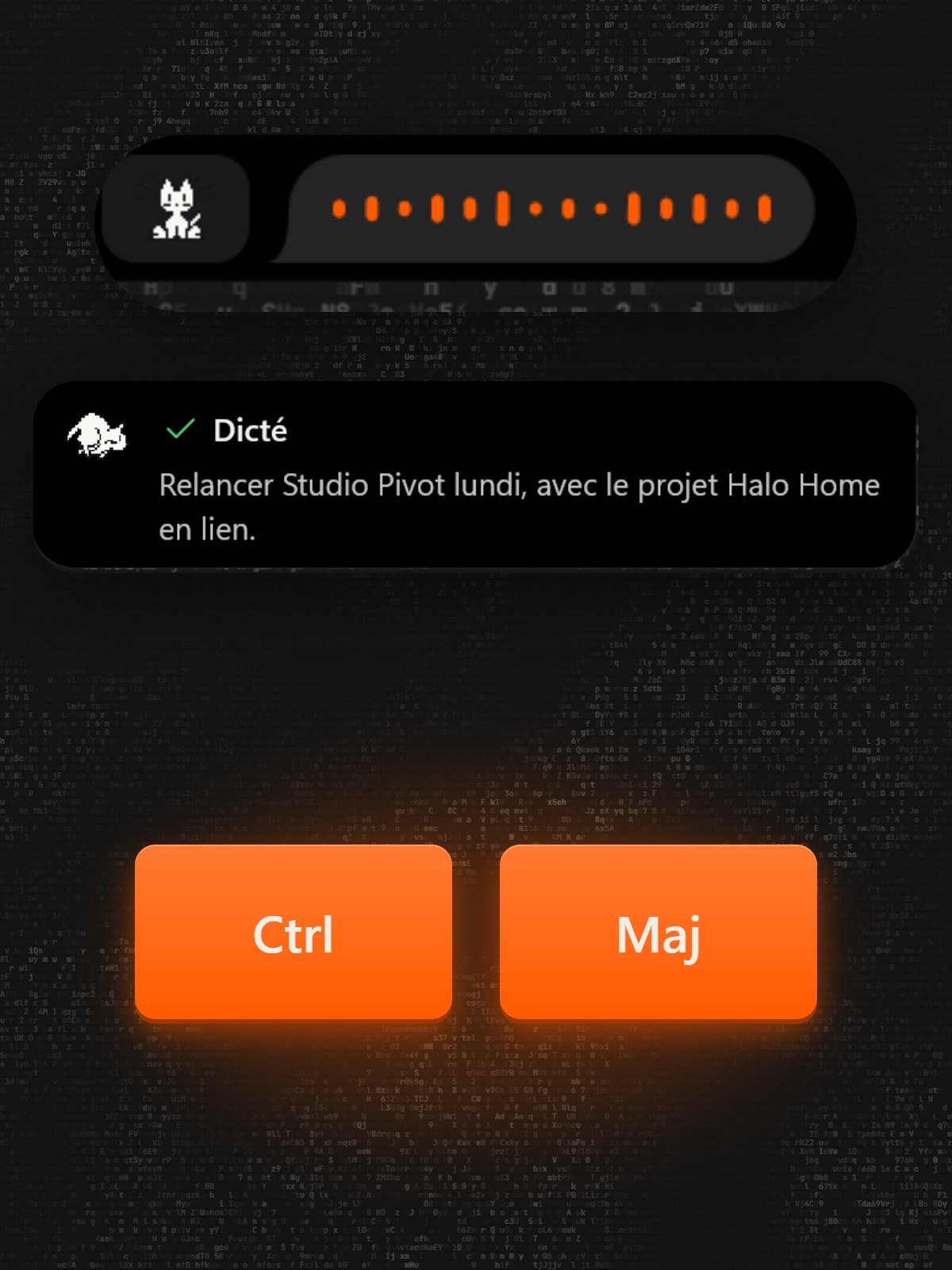
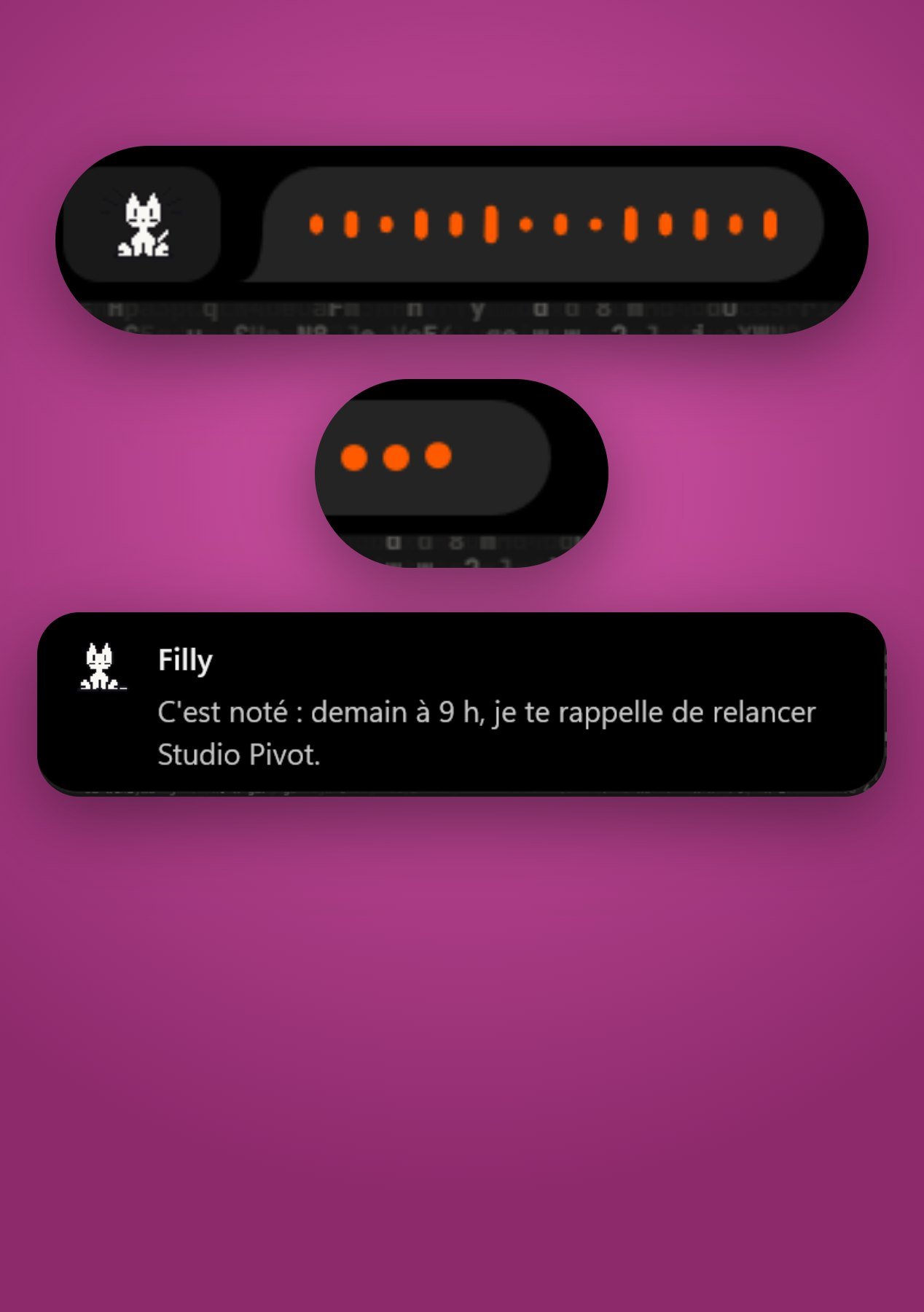
She lives in the notch at the top of the screen. You hold two keys, talk, let go: she listens, she thinks, she answers. Anything that goes out in your name waits for your click.
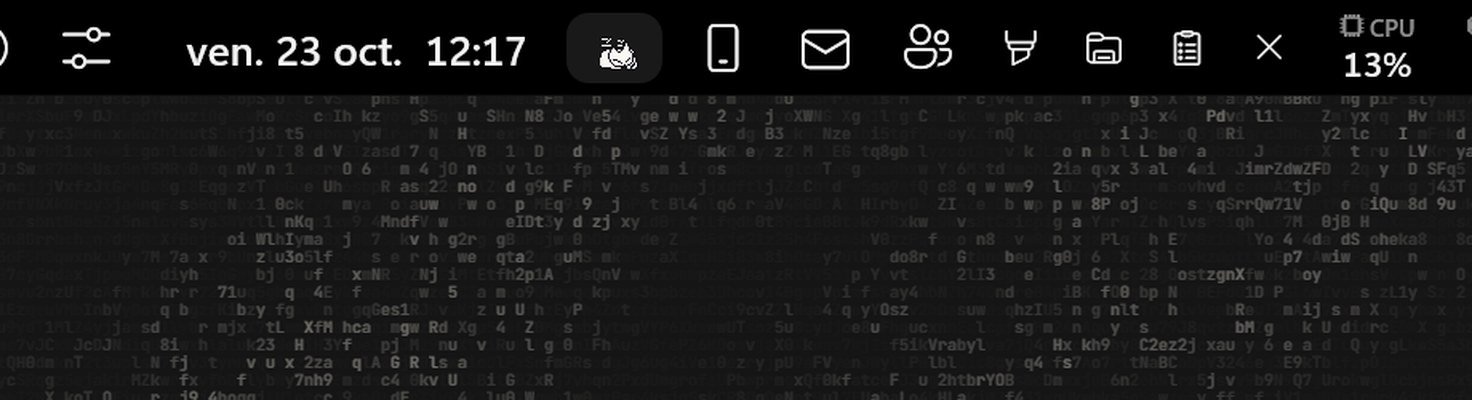
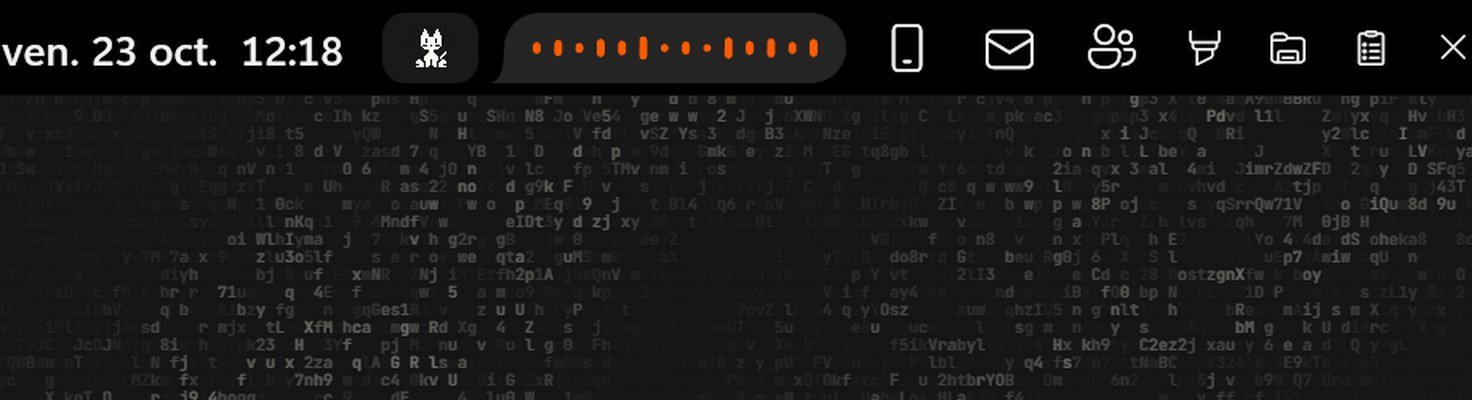
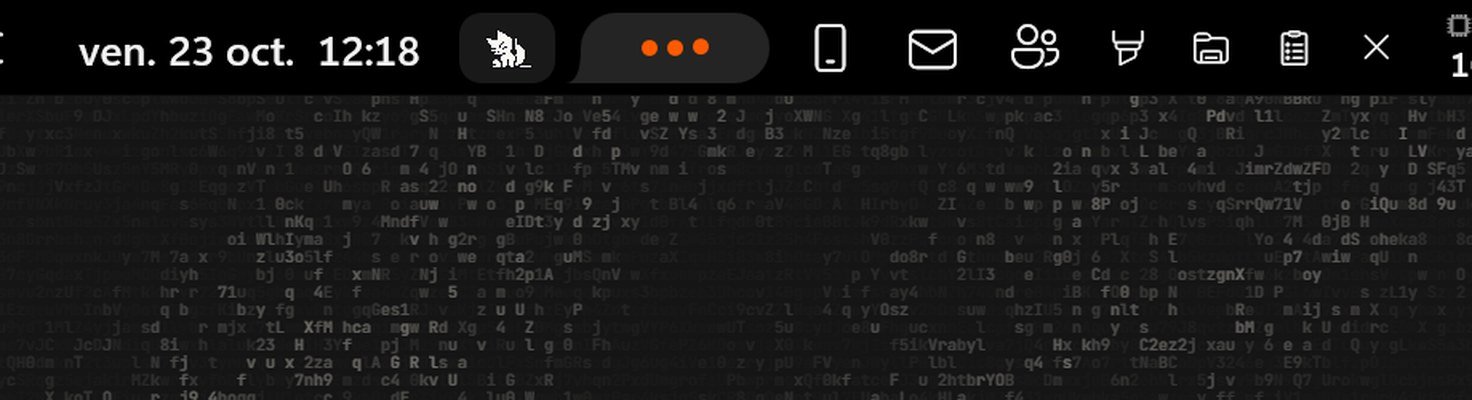
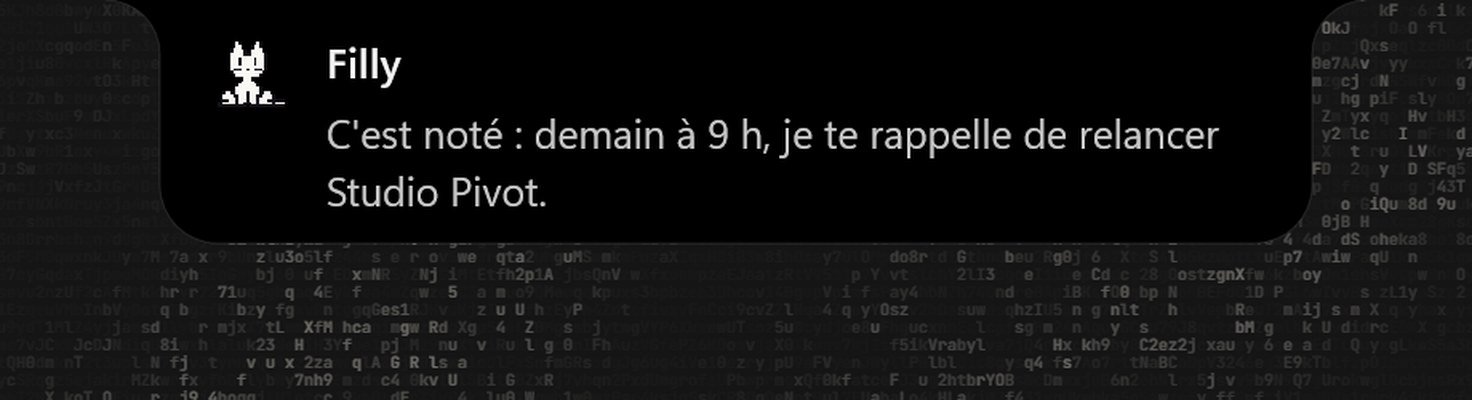
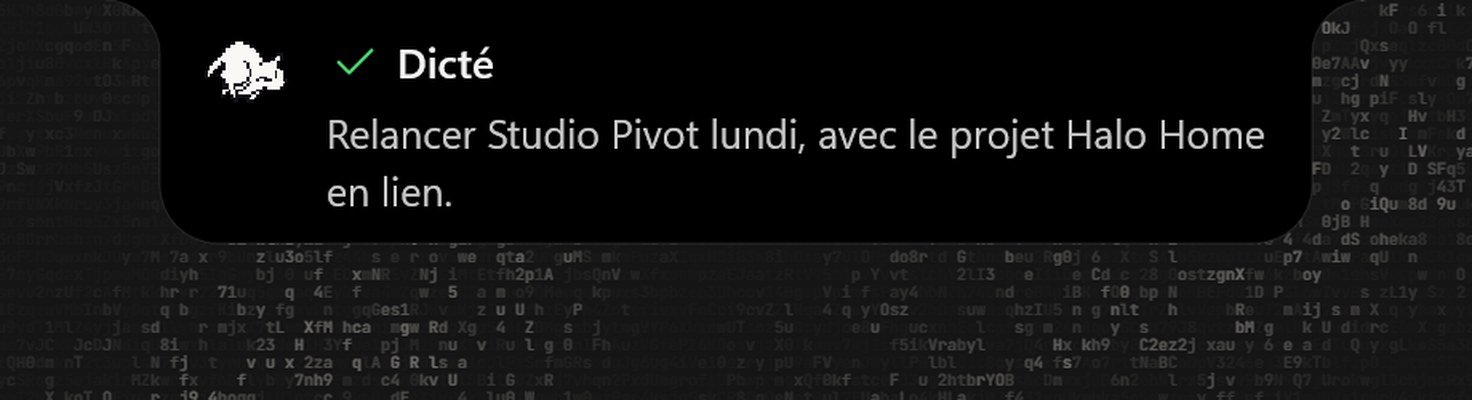
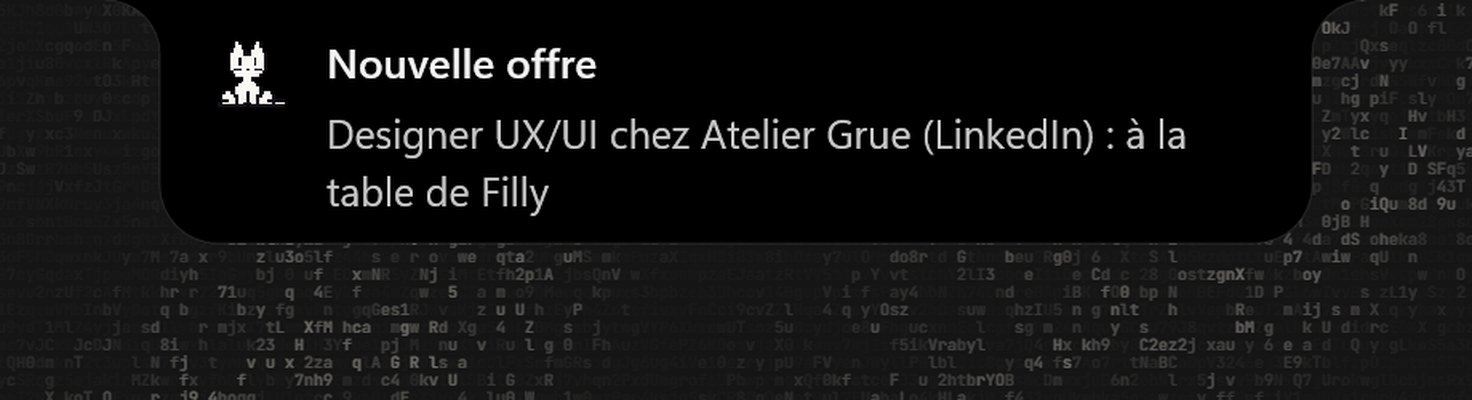
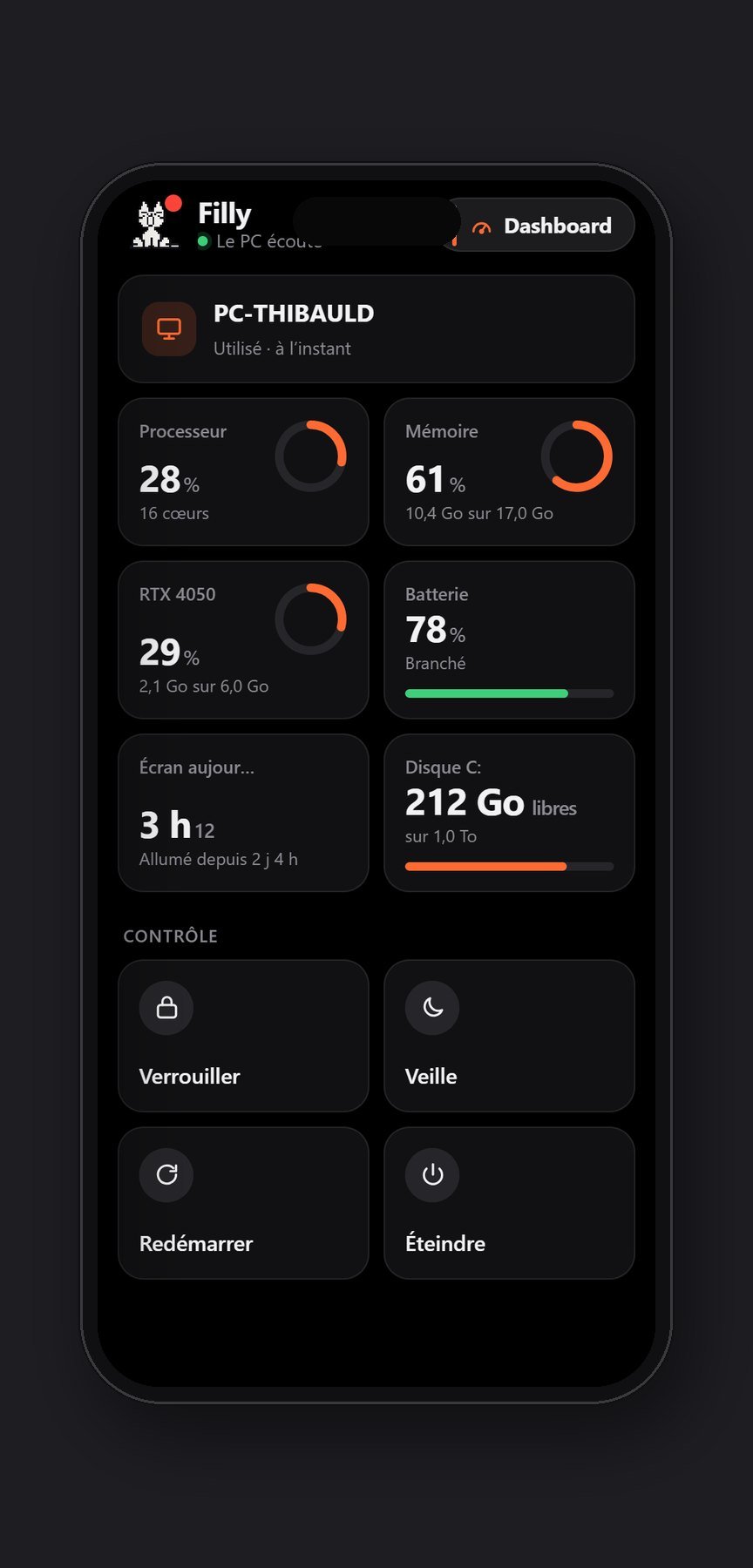
on my PC and my phone
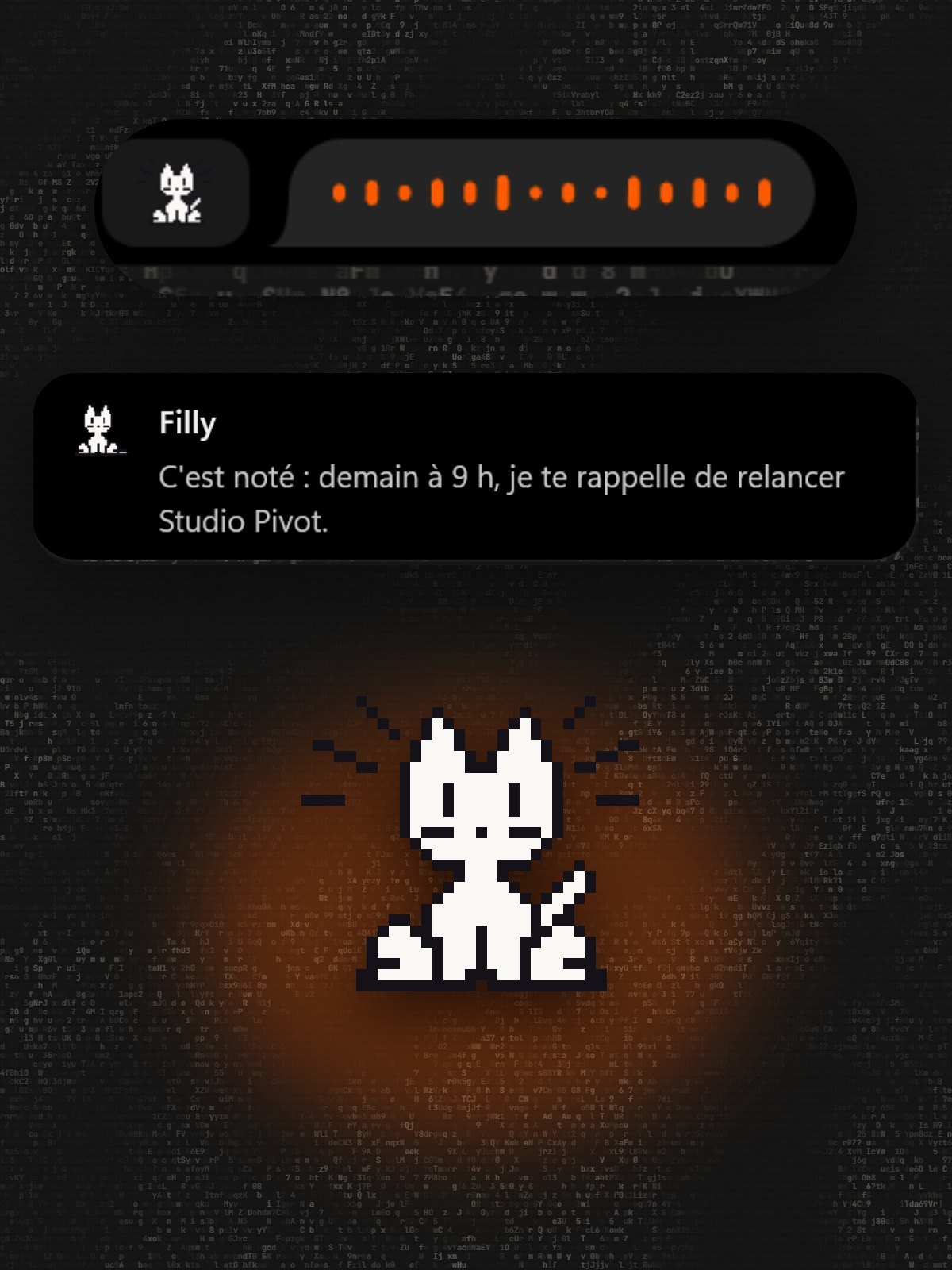
In the island
She lives in the notch at the top of the screen: two keys, one sentence, and she gets to work.
The big spaces open when they’re needed.
She picks the tool.
You get the final say.
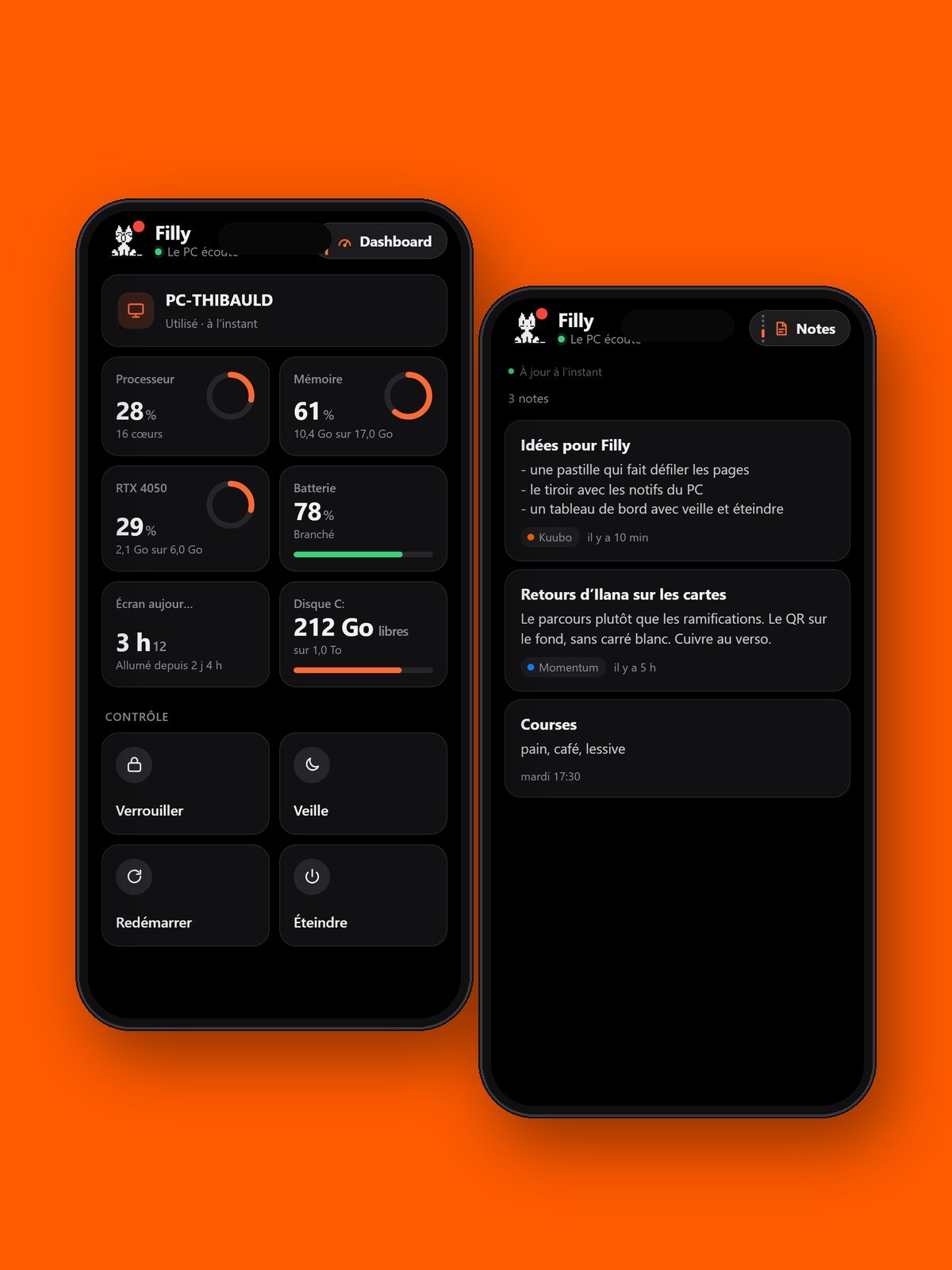
She lives in the notch at the top of the screen, above everything. You hold two keys, talk, let go: she understands the need and fetches the right tool, a reminder, a task, a note, an email, a conversation with Claude. She answers in one sentence in the island, and anything that goes out in my name waits for my click. From the phone, it’s the same.
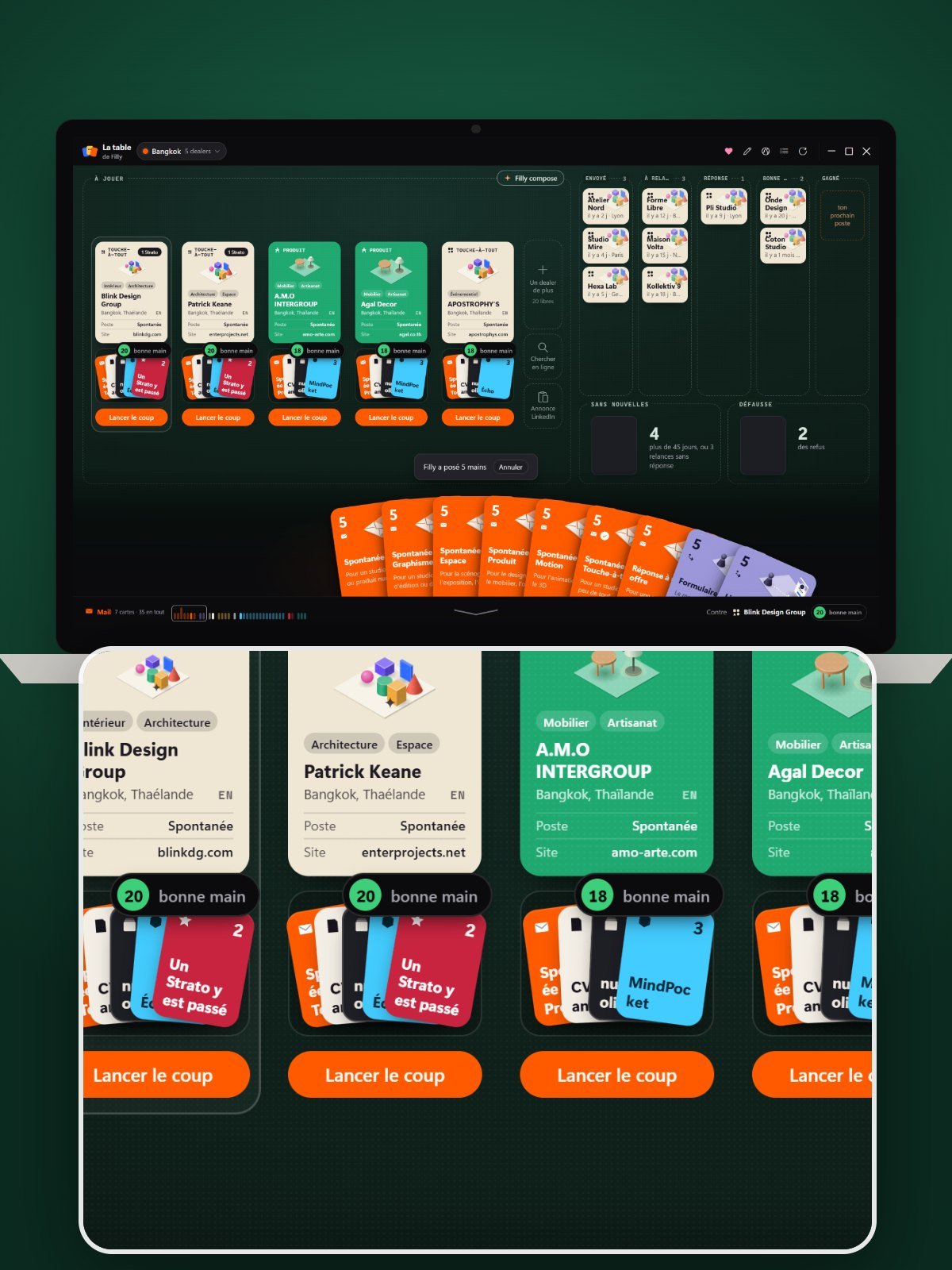
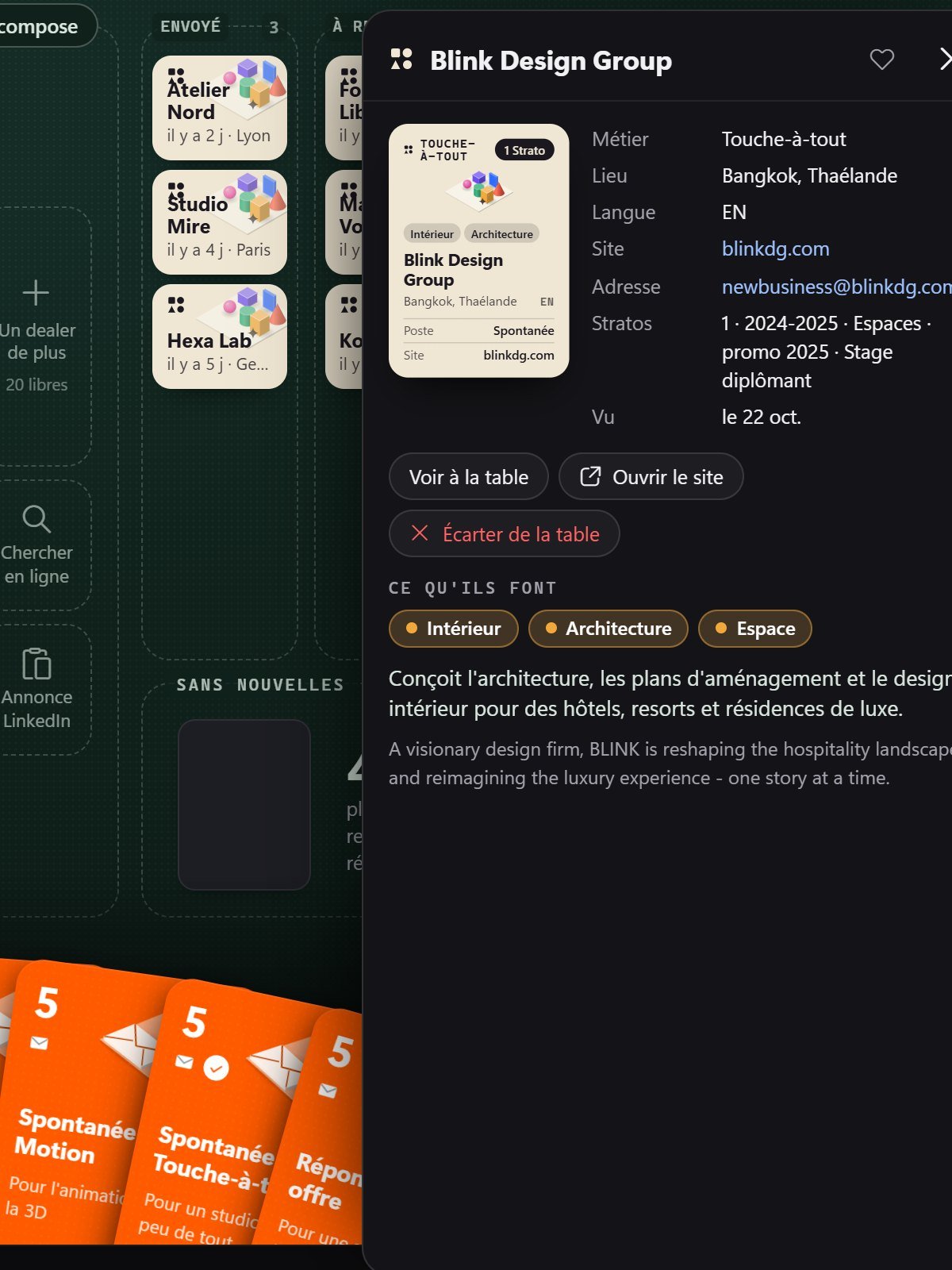
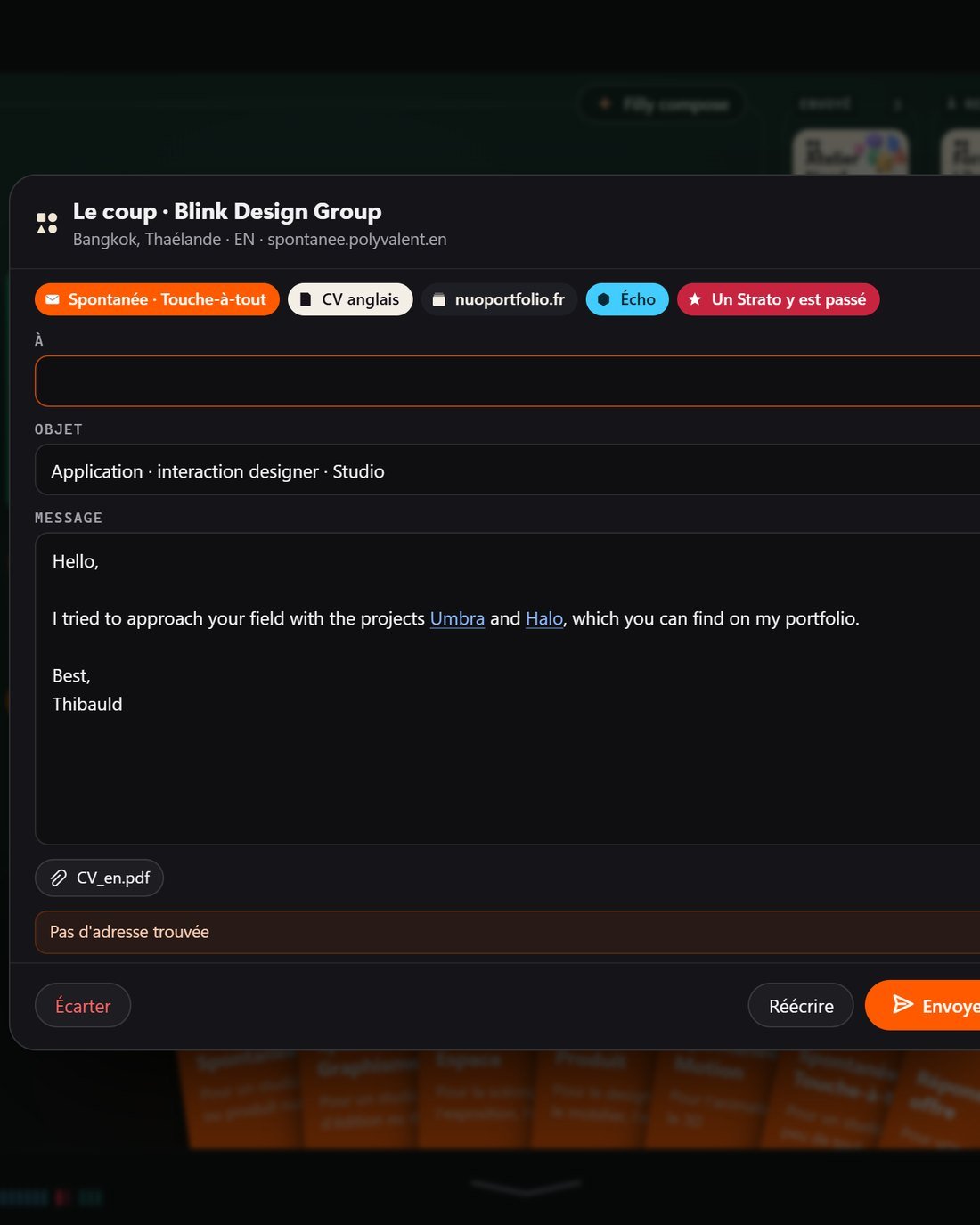
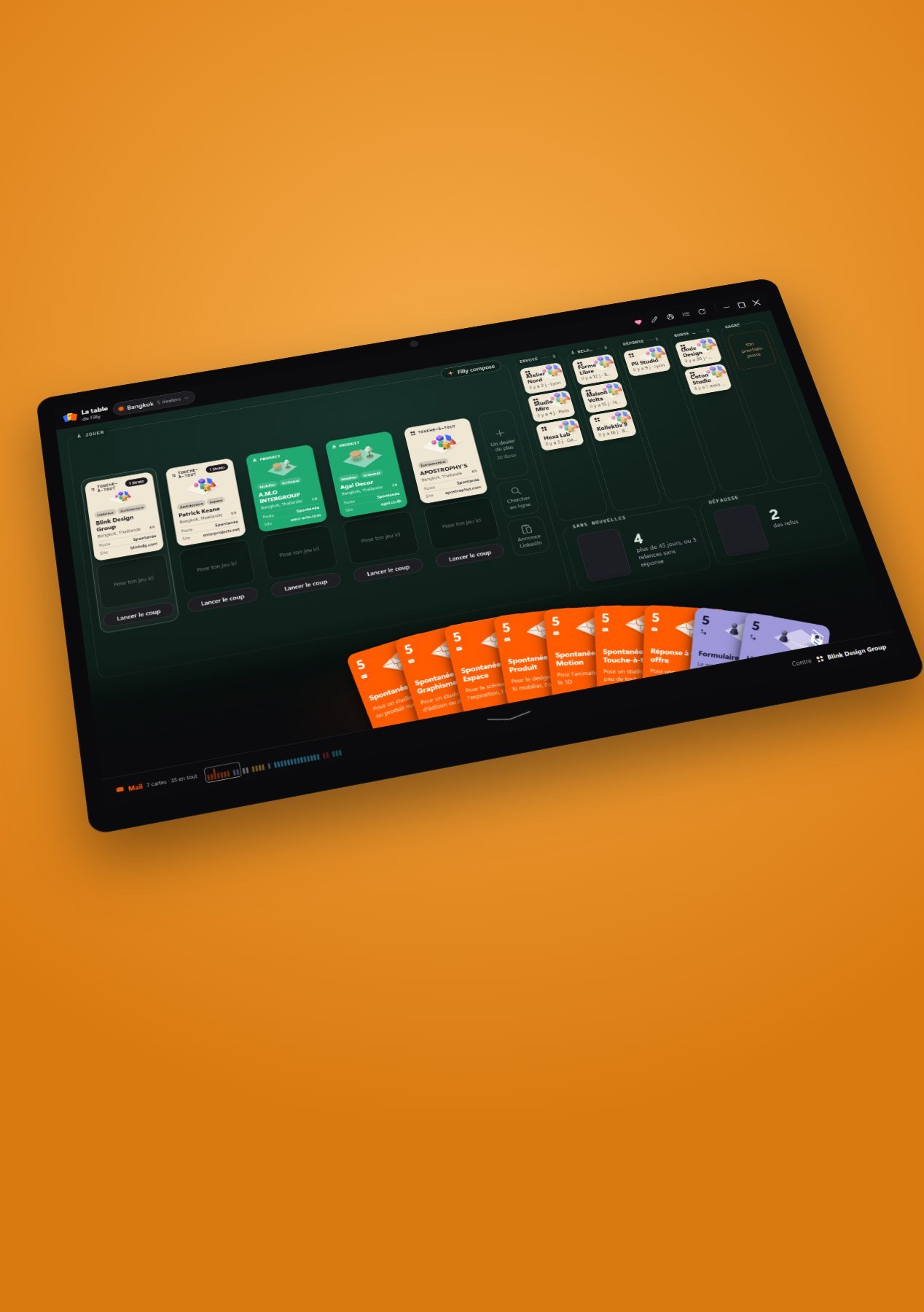
Looking for a first job means hundreds of studios, emails and follow-ups. The table turns it into a card game: the studios are the dealers, my hand is made of my email, my CV and my projects. Filly reads their website, puts together the hand that fits and drafts the play. I review, I send. Replies move the cards on their own.
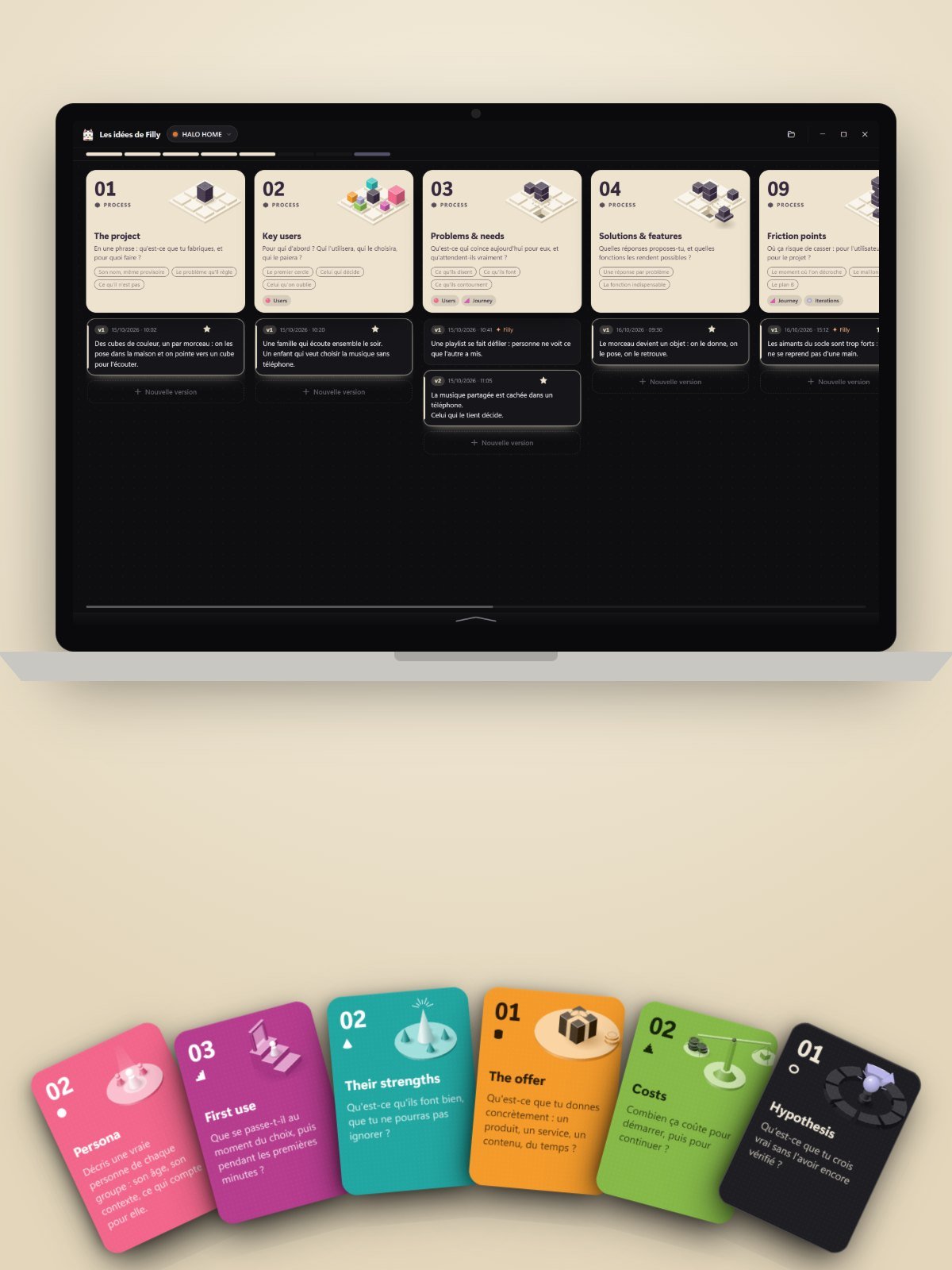
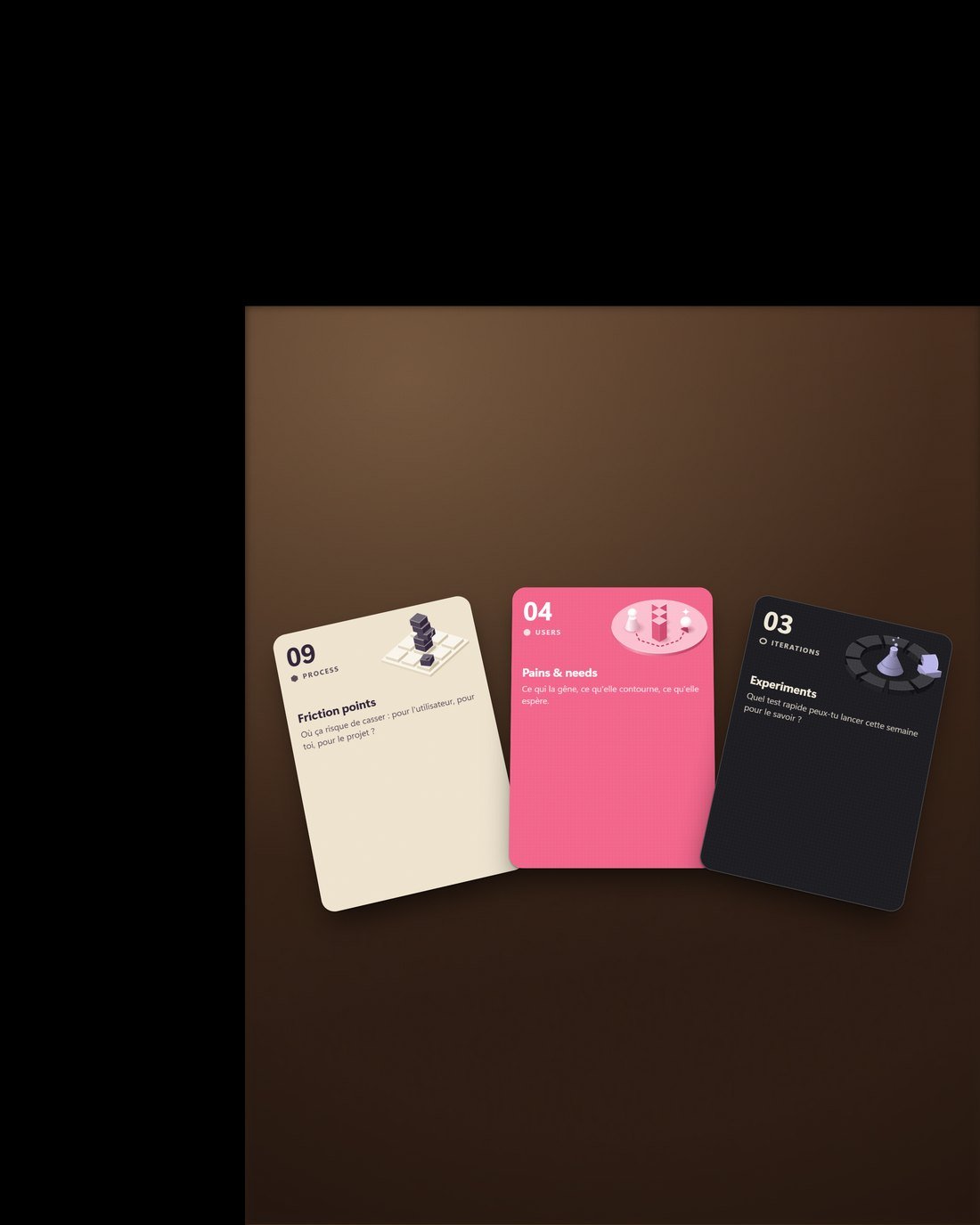
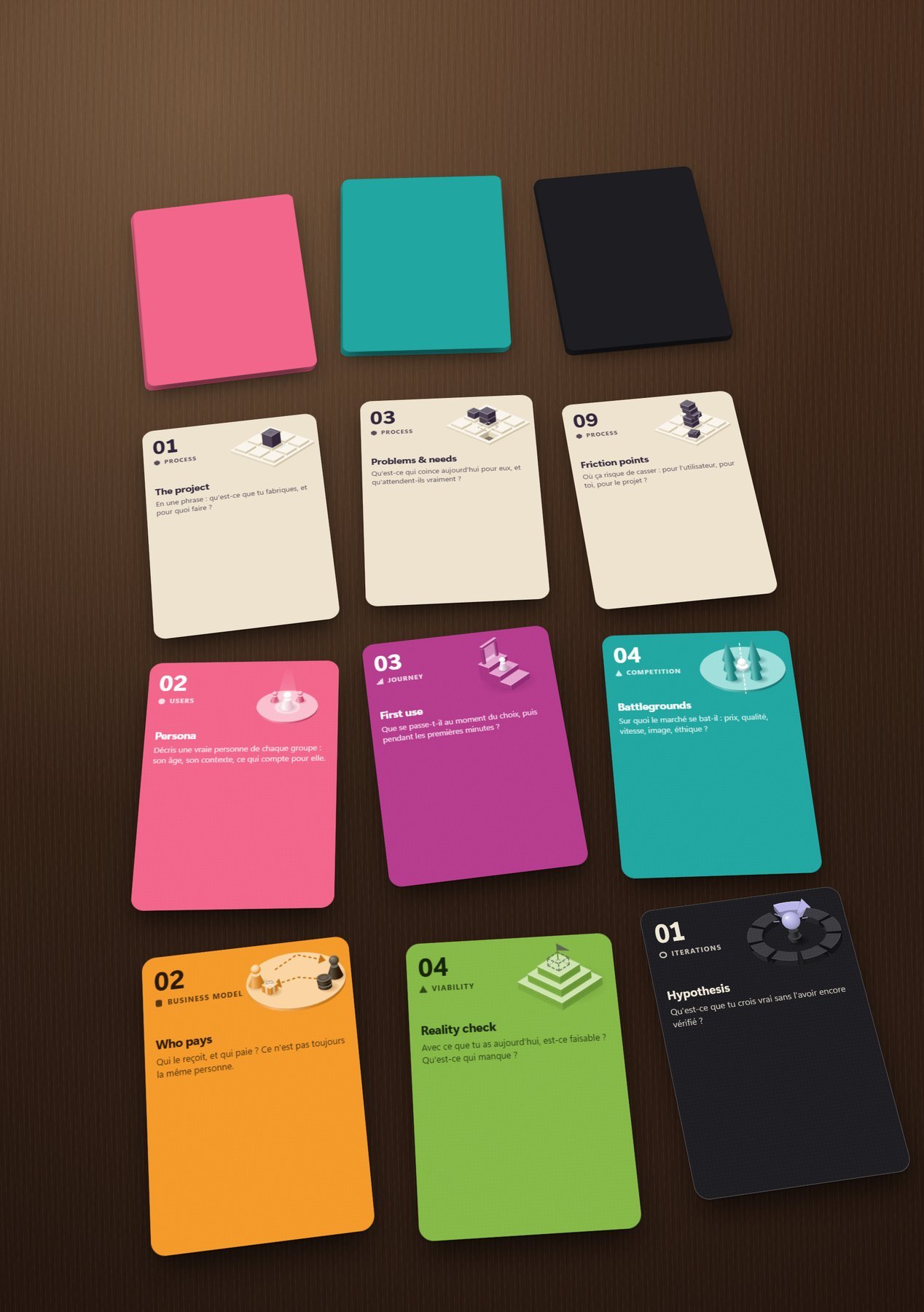
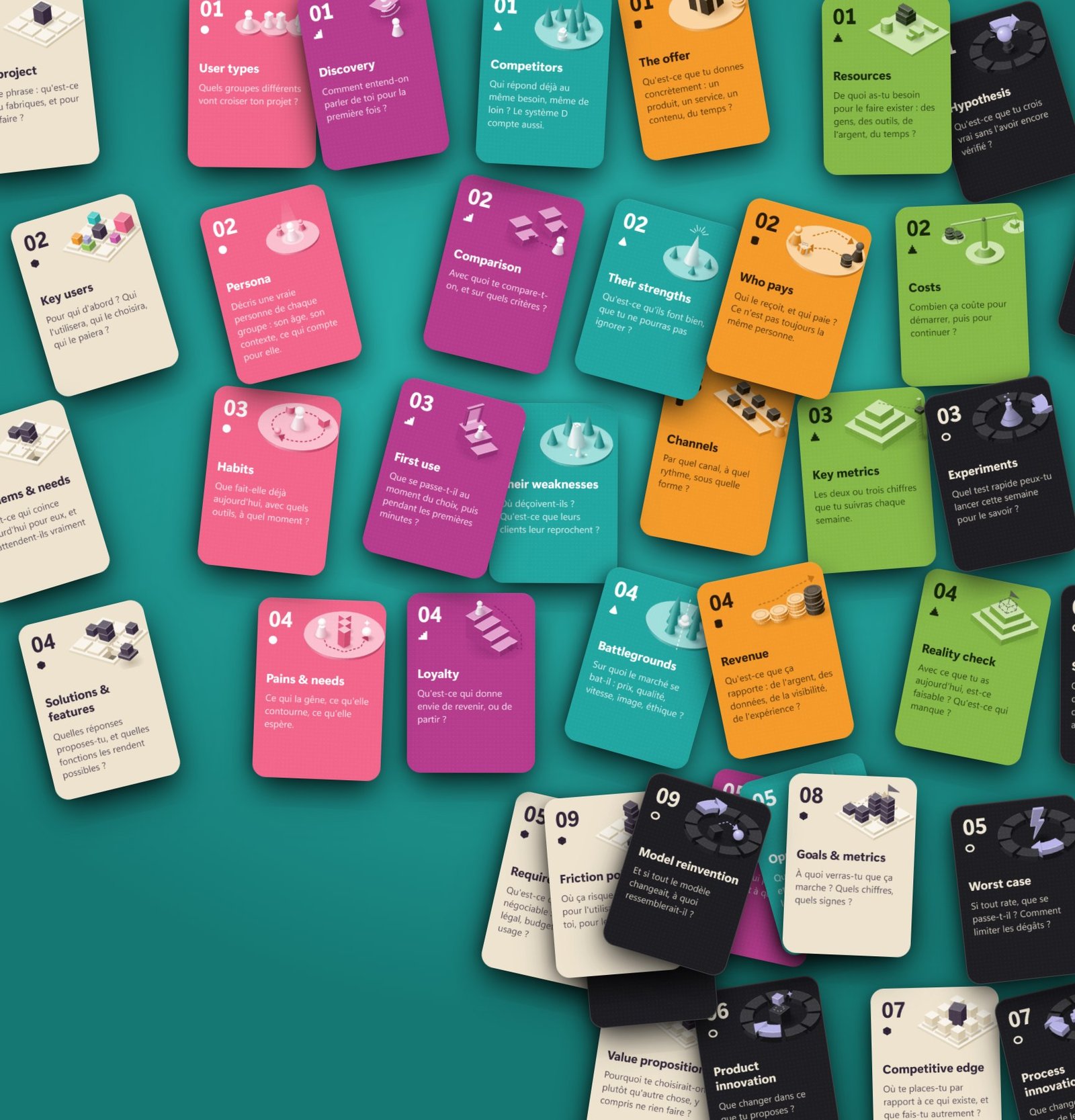
A project moves forward through questions: for whom, why, against what, and what if it fails? Forty cards in seven families, one column per card, versions underneath. Filly reads the project and suggests a version; I keep it, rewrite it or toss it. The cards also exist on paper, to play on a real table, without a screen.
Three versions
for one
single wish
The character, the canvas, then the island. Click to go through them.
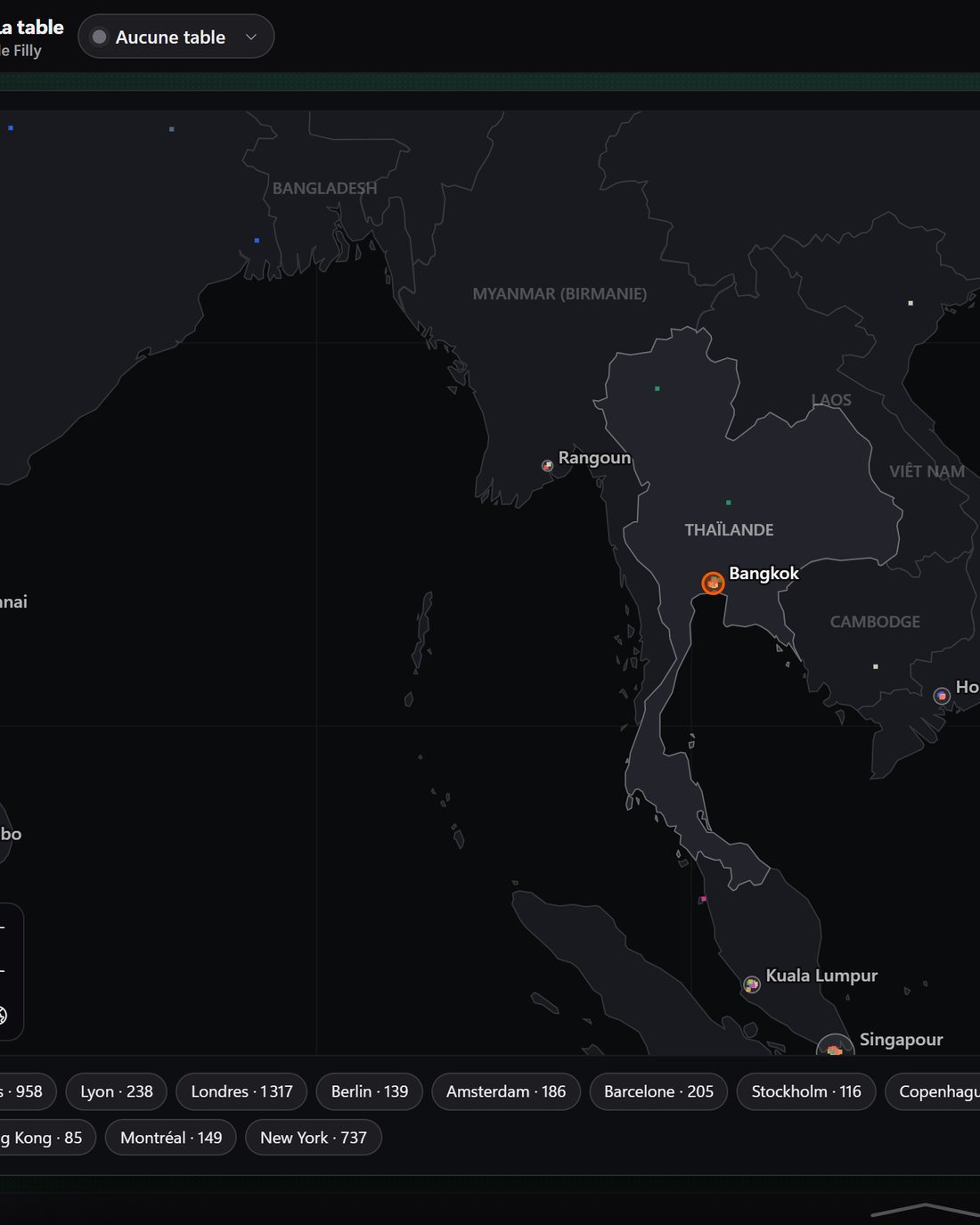
The companies in my tracker and on my tables, read one by one: their website opened, what they do summed up in one sentence, their trades as tags, their city, their country, their language. 229 out of 229, in nine minutes, without me touching a thing. The work you always put off, done over a coffee.
Countries
in the directory
17,295 studios in my school’s directory, including the ones where students have already worked.
Idea
cards
Process, Users, Journey, Competition, Business model, Viability, Iterations. One color, one shape and one drawing per card.
What Filly
never does
A list of refusals, as always. A tool that acts in your name needs sharp edges: it prepares everything, it decides nothing.
What was
measured
No reviews, no quotes: what the tool did, stopwatch in hand, on my machine.
She prepares.
You
approve
40
cards
One sentence
is enough
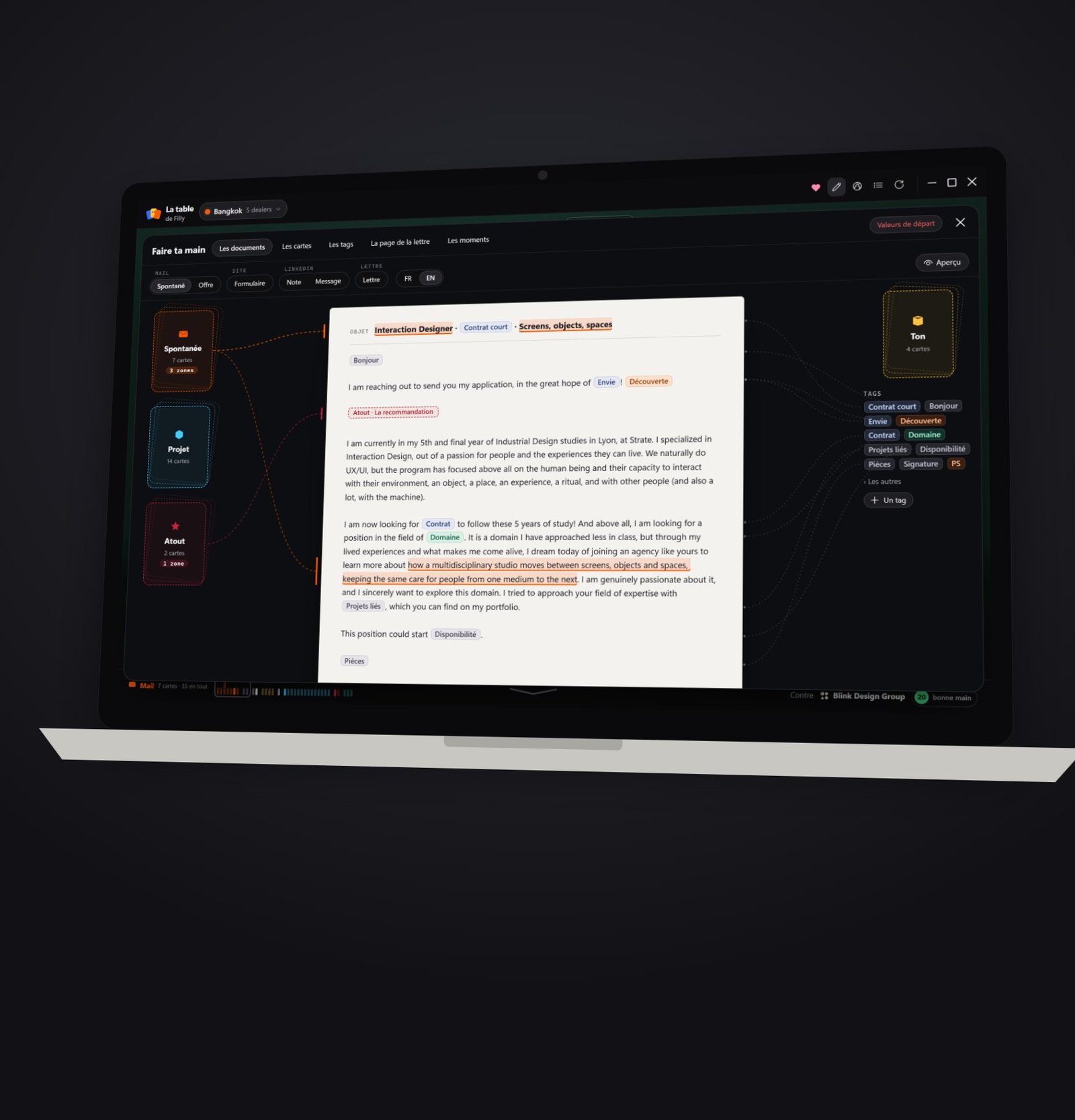
Six
documents,
one hand
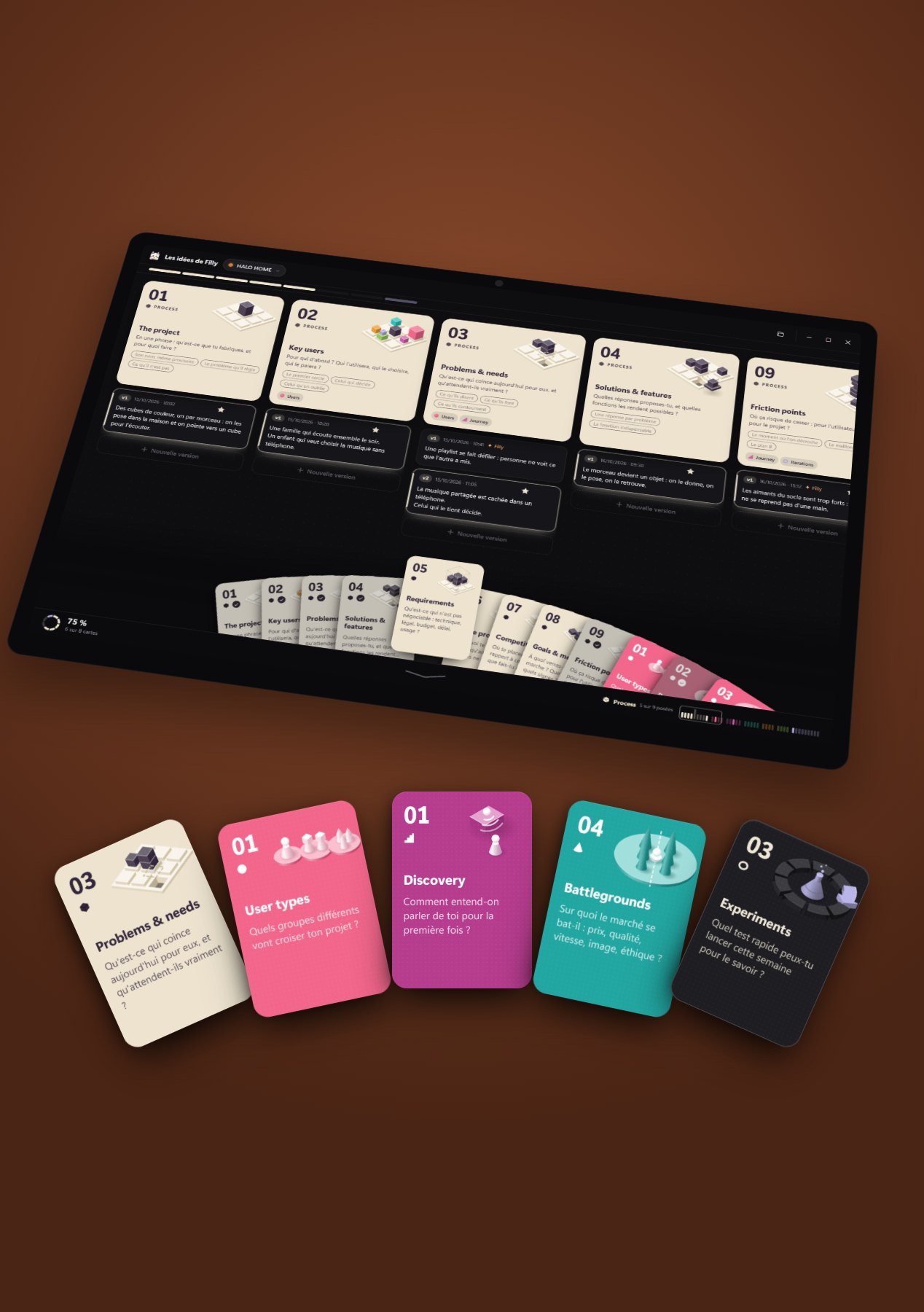
One question,
one column,
many versions
Three ways
to get it
For me
Filly is cut to fit the way I work: my template emails, my projects, my school’s directory, my follow-up timing. It’s a personal tool, on purpose: a generic assistant knows nobody’s craft.
- ✓My documents, my cards, my timing
- ✓The island up top, always there
- ✓The phone linked, encrypted
229 read
Studios read in one click: what they do, where, in what language.
0 auto-sends
Everything waits in “To approve”. Filly prepares, I click.
40 cards
Seven families, one column per card, versions underneath.
Abstract
An island set in the screen’s notch, an assistant you call by voice or keyboard, and pages that open when more room is needed: the table, the iterations, the applications. Everything Filly knows about me lives in text files in a folder of my own, readable and editable by hand. The language model is picked per task, from the fastest for sorting to the sturdiest for writing; voice is transcribed locally. Emails go out from my own mailboxes, and only after a click. The phone goes through a relay that only sees encrypted messages. What this page shows is captured from the tool as it runs, with a fictional application tracker.
Acknowledgments
This page was put together locally by Thibauld, with Filly by his side.
Peer review
“From need to result, fast.”
The brief, in one sentence
BibTeX
@misc{filly2026,
  title        = {Filly: from need to result, a tool shaped on a designer's workflow},
  author       = {Burin, Thibauld},
  year         = {2026},
  howpublished = {Personal tool, in daily use}
}What people
ask me
The five questions that come up whenever I show Filly. Two of the answers are limits.
No. She drafts, attaches the right CV, and files the draft in “To approve”. The Send button is mine. It’s the only rule that has never moved, because a tool that writes in my name has to go through my eyes.
A chatbot explains how to do it. Filly does it: she opens the right space, reads the right file, prepares the email, puts the task in the calendar. You don’t ask her for an answer, you hand her a need, and you review the result.
Because a card can be played, pulled back and combined without breaking anything. An application hand is an email, a CV, one or two projects: you see what you’re playing. An iteration card is a question you can no longer forget. And a card can be printed: the game also exists without a screen.
It stays in files of my own. What goes out is what the language model needs to write: the text of a studio’s website, the parts of the email to fill in. The keys stay in a separate file, the phone goes through a relay that reads nothing. It’s a limit worth stating: not everything is local, the brain is online.
Yes, every day, on my PC and my phone. It’s not for sale: it’s a tool made for me. That’s the other limit: it’s cut to one workflow, mine, and tuning it for someone else still takes time.
A soul in the computer. A need said out loud. A result you review.
From need to result.
Write to Thibauldwith love ♥
if you like it
drop your film into
media/video-01.mp4